Make your wedding seating chart without a spreadsheet
Your guest list and your tables live in one place. Everyone who says yes on the RSVP is ready to seat, with their meal choice and allergies next to their name.
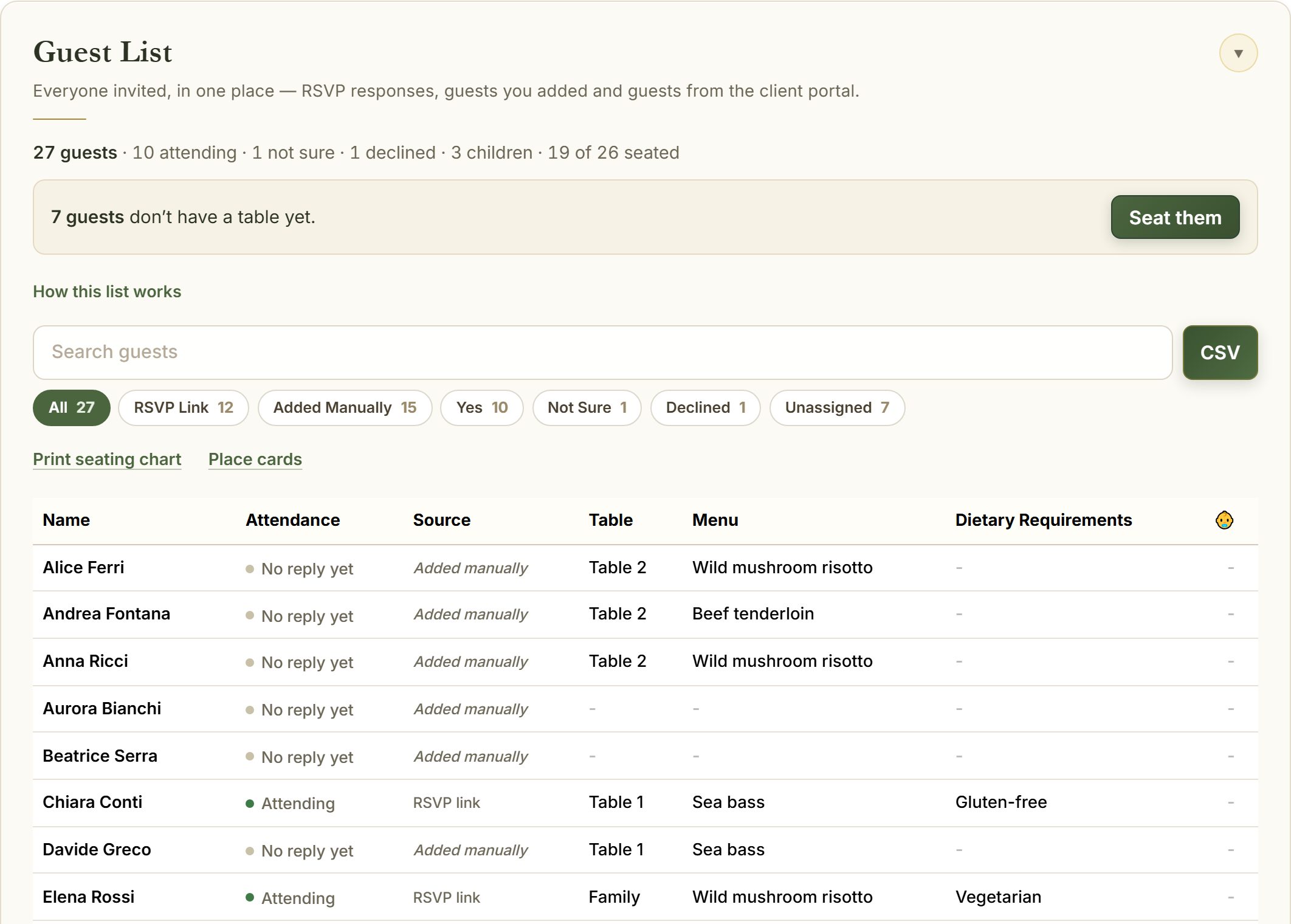
See who still needs a seat
A short line tells you how many guests have no table yet. Tap it and seat them one by one, or move guests between tables as plans change.
- Table capacity shown so no table is overbooked
- Meals and allergies follow each guest to their seat
- Undo any move
Print it for the day
When the plan is ready, print the seating chart for the entrance and send the caterer a report with every meal by table.
- Seating chart by table or alphabetical
- Caterer report with meals and allergies per table
- Place cards and table cards from the same list
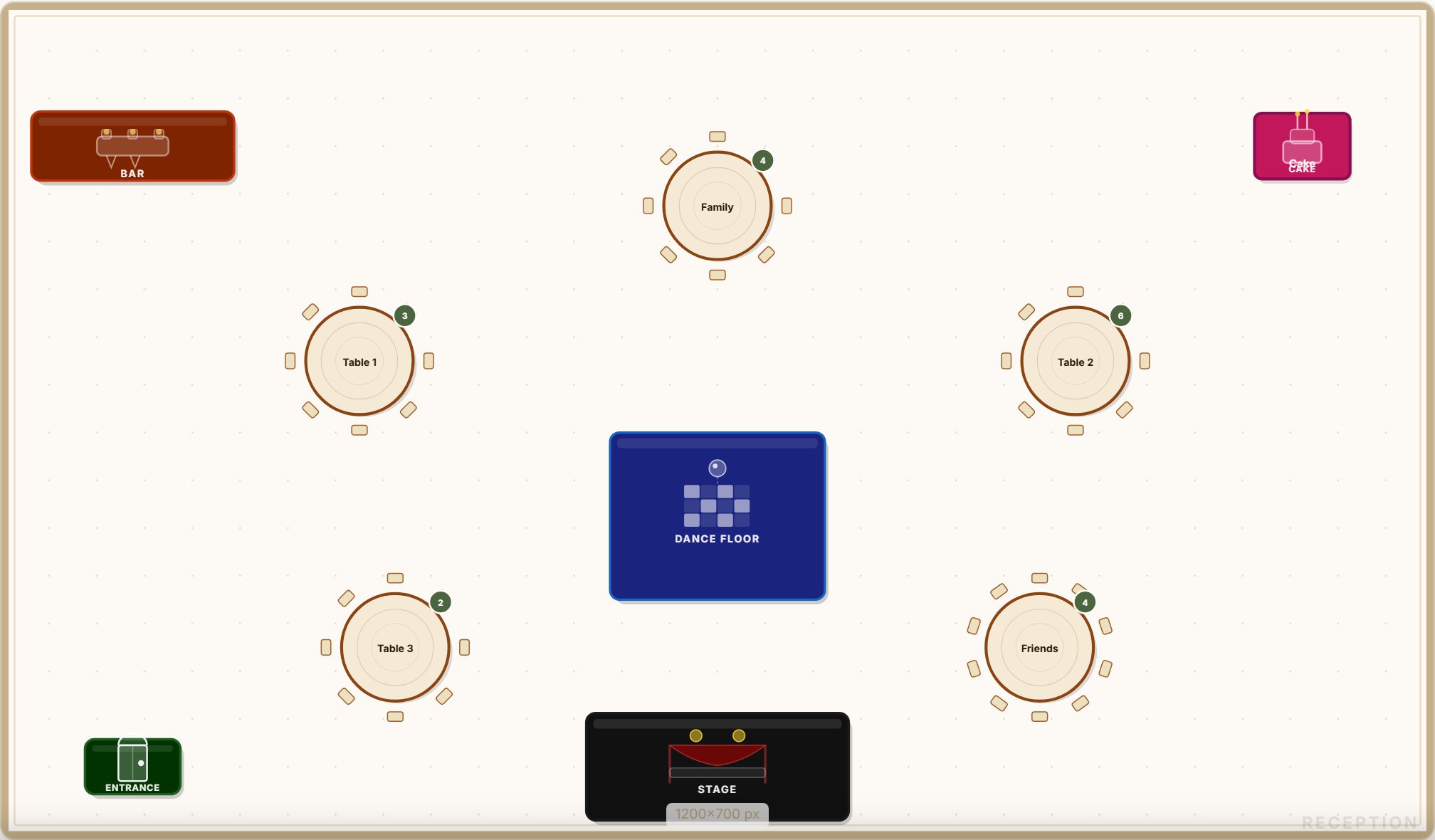
How it works
Create your tables
Name them and set how many seats each one has.
Seat your guests
Confirmed guests are listed and ready. Tap a table to add them.
Print and share
Print the chart, place cards and caterer report.
Questions
How do I make a wedding seating chart?
Create your tables with their sizes, then seat guests from your list. Guests who reply yes on the RSVP appear ready to seat. When you are done, print the chart by table or alphabetically.
Can I print my seating chart?
Yes. Print it by table for the room, alphabetically for the entrance, or as place cards eight to an A4 page.
Does it know my guests’ meals?
Yes. Meal choices and allergies from the RSVP follow each guest, and the caterer report lists them per table.
Which plan includes the seating chart?
The seating chart is part of the Full Day plan for couples and of every planner account.