Printable wedding table cards and place cards from your seating chart
Your seating chart already knows who sits where. Print every place card and table card from it in one go, with no copying names by hand.
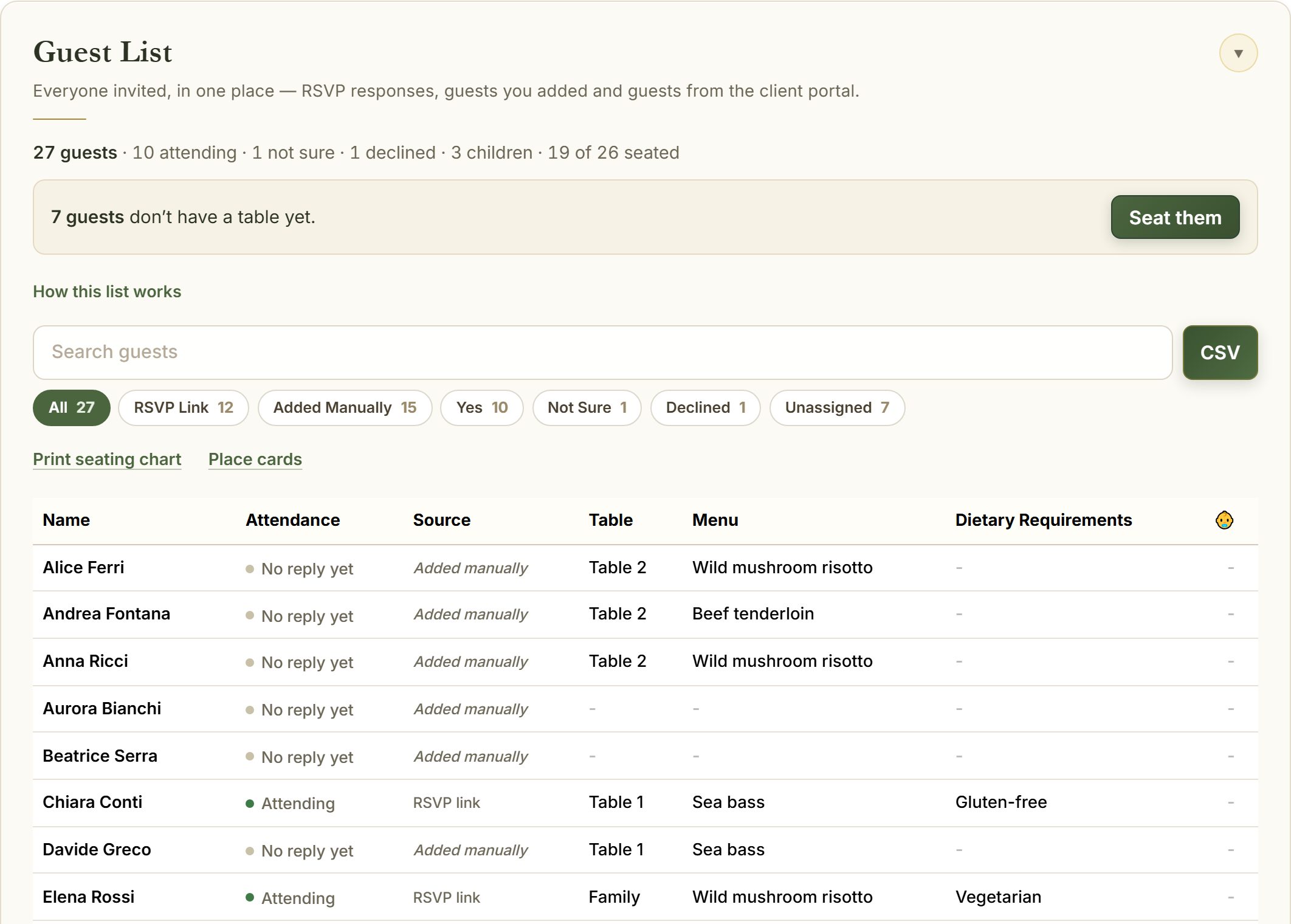
Names, tables and meals already filled in
Each place card carries the guest’s name and table. Change a seat and the cards change with it.
- Eight place cards per A4 page, ready to cut
- Table cards for every table
- Seating chart for the entrance, by table or A to Z
Matches the rest of your wedding
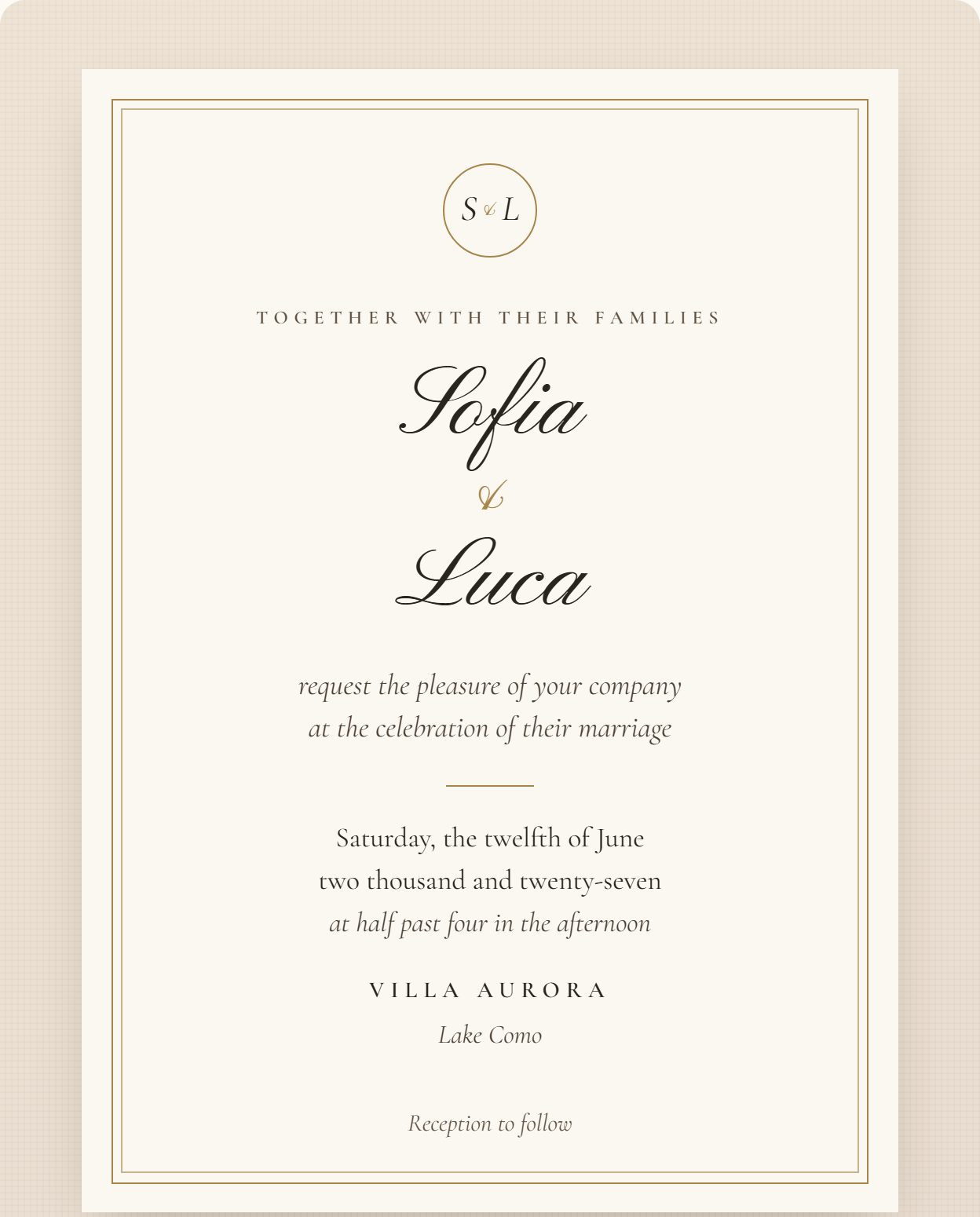
Cards follow the same elegant lettering as your invitation. Wedding planners can add their own logo and brand colour to every printed page.
- Print at home or send the PDF to a printer
- Caterer report from the same list
- Planner branding on every page
How it works
Seat your guests
Finish your seating chart, or seat guests as RSVPs arrive.
Open the print view
Choose place cards, table cards or the seating chart.
Print and cut
Print at home on card, or send the PDF to your printer.
Questions
How do I print wedding place cards?
Seat your guests, then open Place cards. Names and tables fill in automatically, eight cards per A4 page.
Can I print table numbers or table names?
Yes. Table cards use the names you gave your tables, such as Family, Friends or Table 1.
Which plan includes printable cards?
Place cards, table cards and the printed seating chart are part of the Full Day plan and every planner account.